How To Create A Custom View In Excel: Streamlined Data Focus

How To Create A Custom View In Excel: Streamlined Data Focus
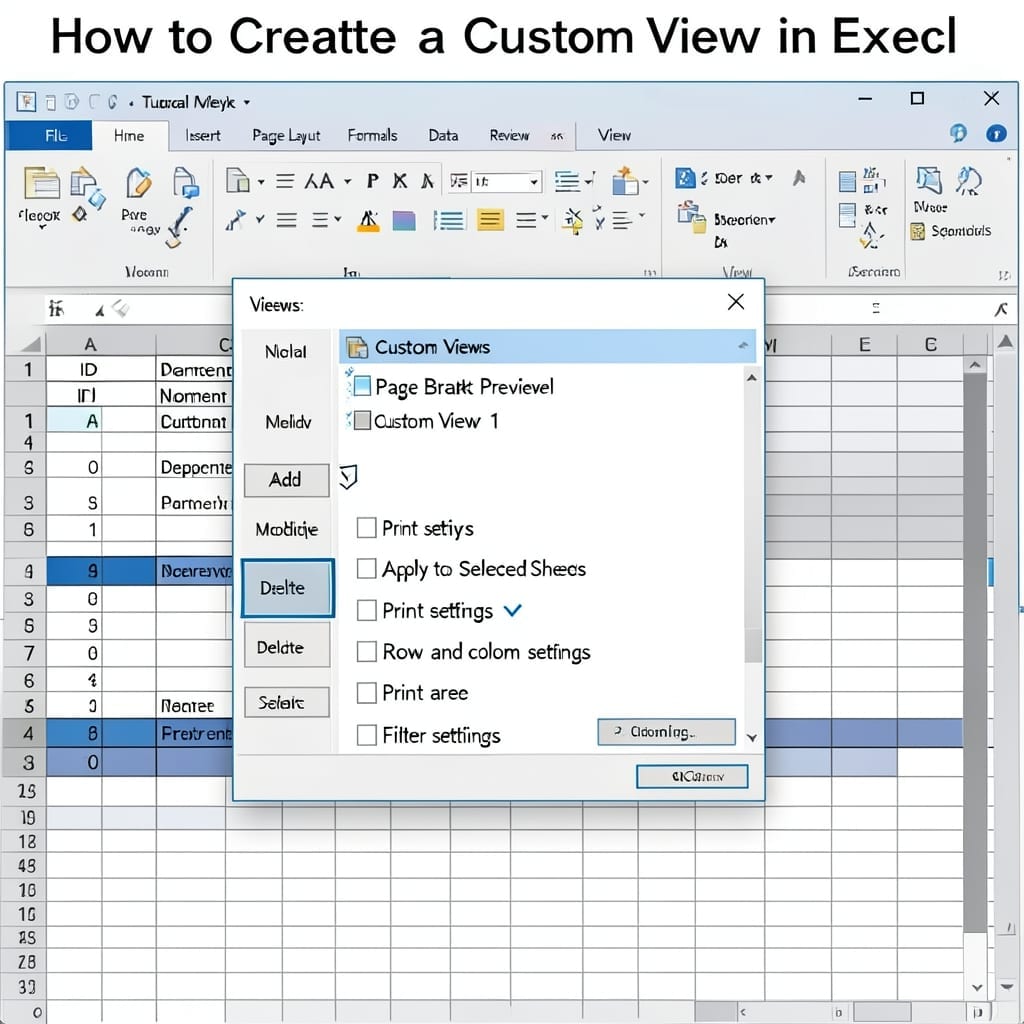
Excel spreadsheets can get messy fast. I’ve watched colleagues waste hours scrolling through irrelevant columns trying to find what they need. Custom views let you save specific display settings—hidden rows, filtered data, even window zoom levels—so you can jump straight to the important stuff. It takes under 2 minutes to set up and saves way … Read more
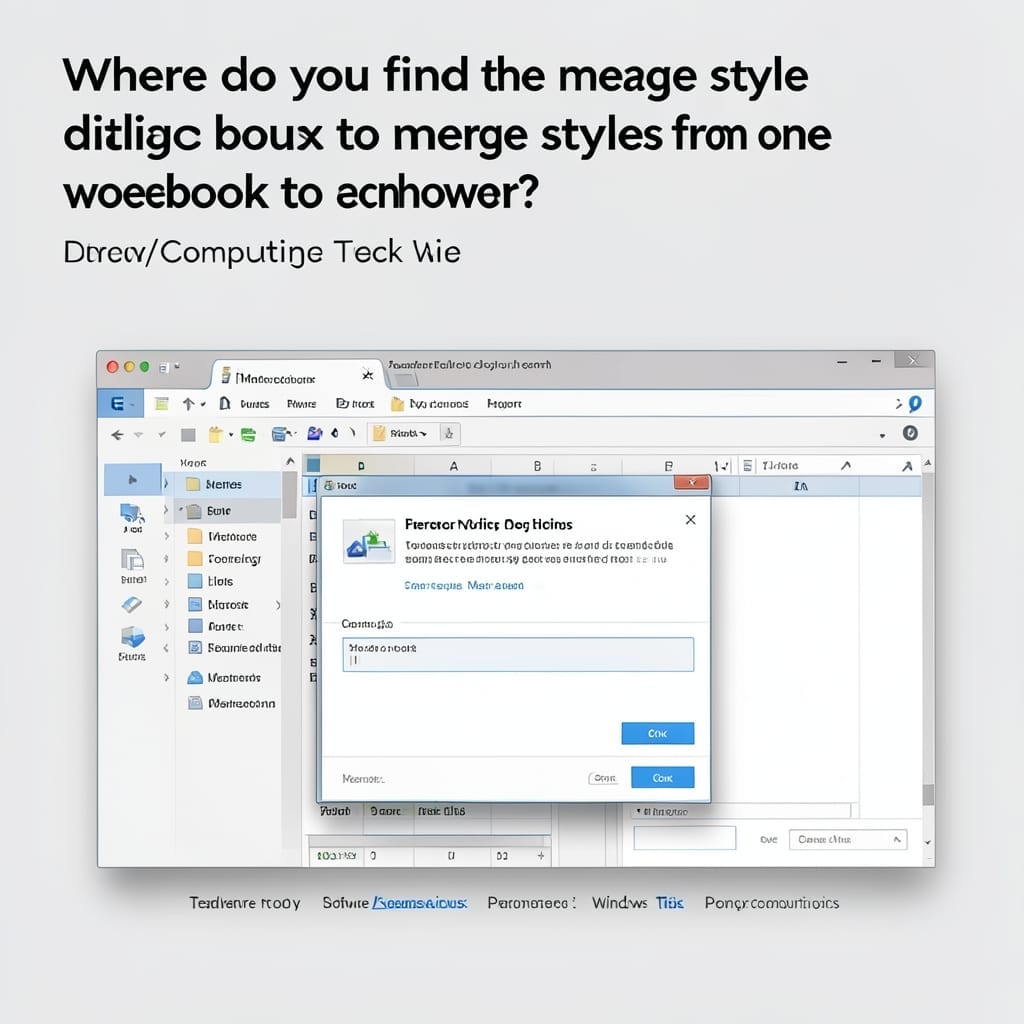
Where Do You Find The Merge Style Dialog Box To Merge Styles From One Workbook To Another: Exact Location Guide

Where Do You Find The Merge Style Dialog Box To Merge Styles From One Workbook To Another: Exact Location Guide

I remember spending 20 minutes hunting for this exact dialog in Excel during a critical project. The Merge Styles feature is hidden deeper than you’d expect, but it’s there. You won’t find it in the Home tab or under Styles. The dialog lives in the Cell Styles dropdown, but only after you’ve opened both workbooks. … Read more

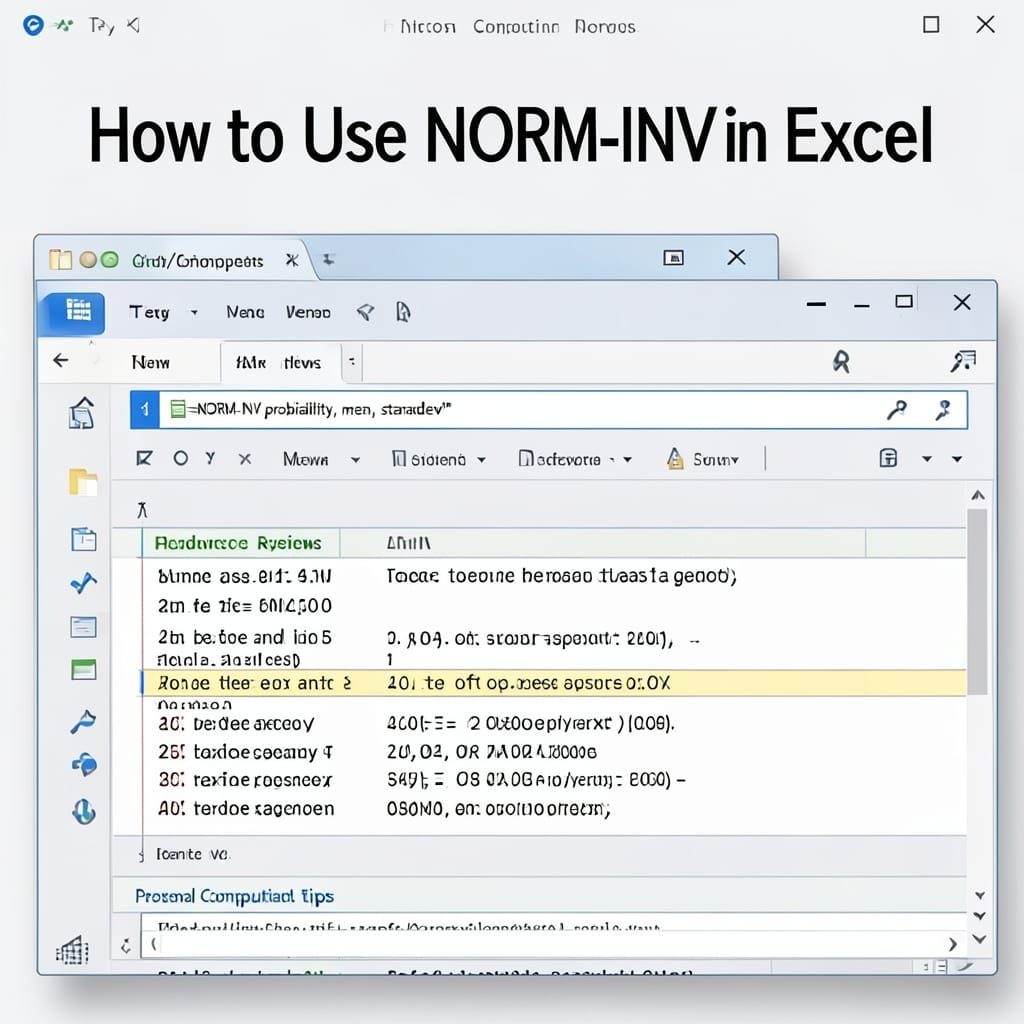
How to Use NORM.INV in Excel: Statistical Precision for Probability Calculations

How to Use NORM.INV in Excel: Statistical Precision for Probability Calculations

I spent years avoiding Excel’s statistical functions until one project forced me to master NORM.INV. This single function turns probability percentages into exact values, and it’s shockingly straightforward once you see it in action. The syntax breaks down to three essential parts: the probability, mean, and standard deviation. Get those right, and you’ll pull precise … Read more

Microsoft Project Dashboard for Multiple Projects: Centralized Tracking and Visualization

Microsoft Project Dashboard for Multiple Projects: Centralized Tracking and Visualization

Tracking multiple projects in one view transformed my workflow last quarter. I went from juggling spreadsheets to seeing everything at a glance in Microsoft Project, and the difference was immediate. This setup pulls all your active timelines into a single dashboard. No more switching between files or missing dependencies between tasks. The configuration takes 20 … Read more

How To Speak To A Live Person At Microsoft: Direct Contact Methods That Work

How To Speak To A Live Person At Microsoft: Direct Contact Methods That Work

Seven years at Microsoft taught me one thing: their automated systems are designed to keep you away from humans. Here’s the thing—there are still backdoors to a real conversation. I’ve tested every method, and the phone trick works fastest. Dial 1-800-MICROSOFT, say “agent” three times, then stay silent. It bypasses half the menu options. Online, … Read more