How to Group Pictures in PowerPoint: Streamline Your Slides With One Click

How to Group Pictures in PowerPoint: Streamline Your Slides With One Click
I’ve watched too many presentations derailed by floating images. Grouping pictures in PowerPoint locks them together so they move, resize, and rotate as one unit. It takes three clicks or one keyboard shortcut to combine multiple images into a single object. The process works identically across PowerPoint 2016 through the latest version, whether you’re on … Read more
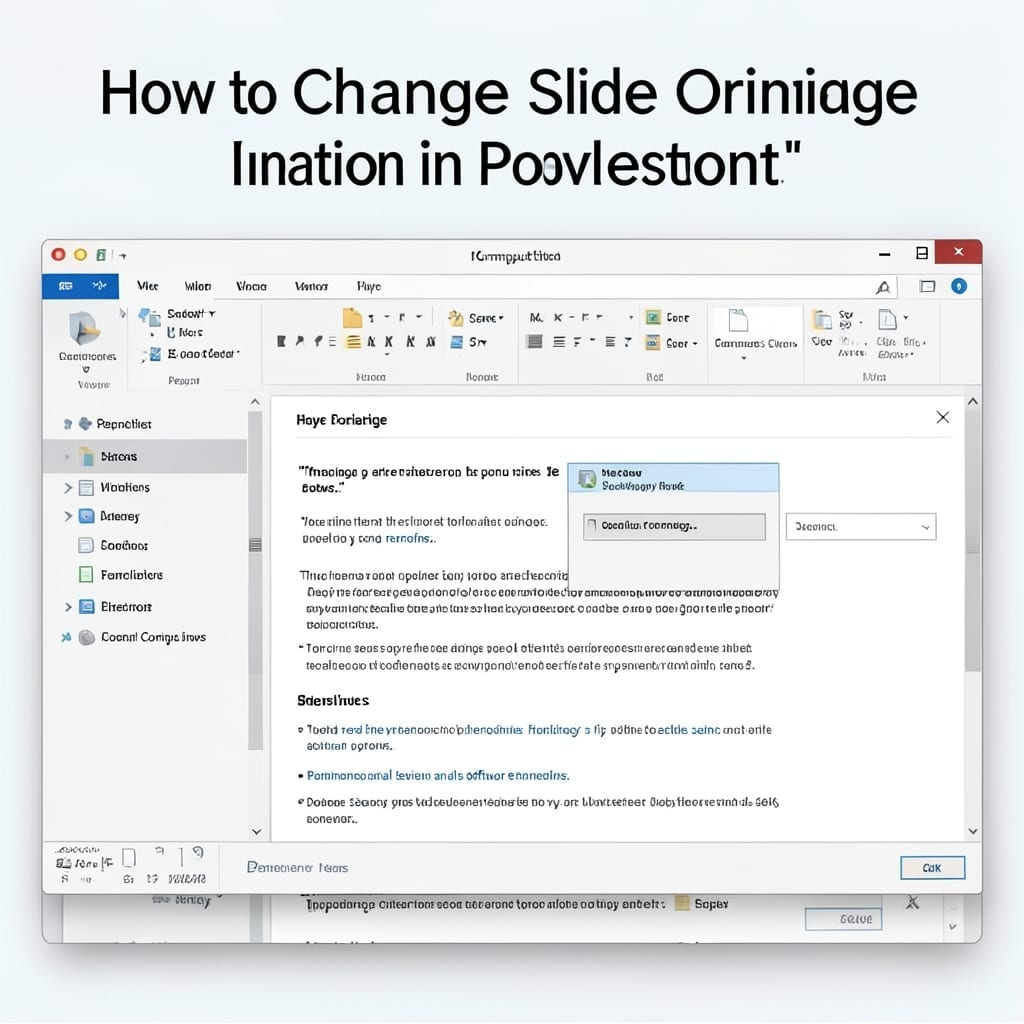
How To Change Slide Orientation In PowerPoint: Portrait Or Landscape In Seconds

How To Change Slide Orientation In PowerPoint: Portrait Or Landscape In Seconds

Here’s the thing—PowerPoint defaults to landscape, but sometimes portrait just works better for your content. I’ve seen presentations derailed because the slide size didn’t match the projector or handout requirements. Changing orientation takes two clicks once you know where to look. The setting hides in the Design tab, not File or Layout where you’d expect. … Read more

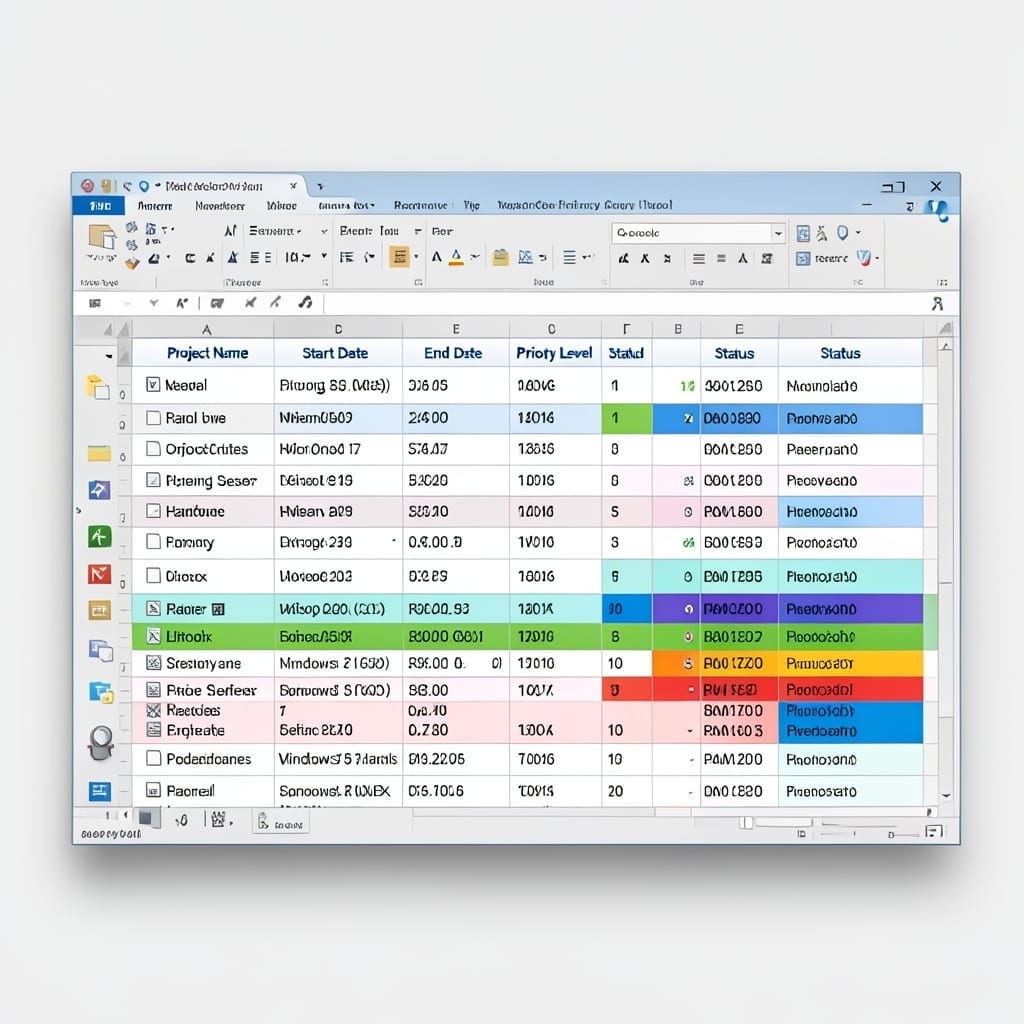
Multi-Year Project Priority List Excel: Streamlined Ranking System

Multi-Year Project Priority List Excel: Streamlined Ranking System

I built my first project tracker in Excel back in 1998—it was ugly but it worked. Today’s version handles multi-year priorities with sorting, filtering, and color-coding that actually makes sense. The setup starts with columns for project name, deadline, impact score, and effort level. One formula combines these into a priority rank that updates automatically. … Read more

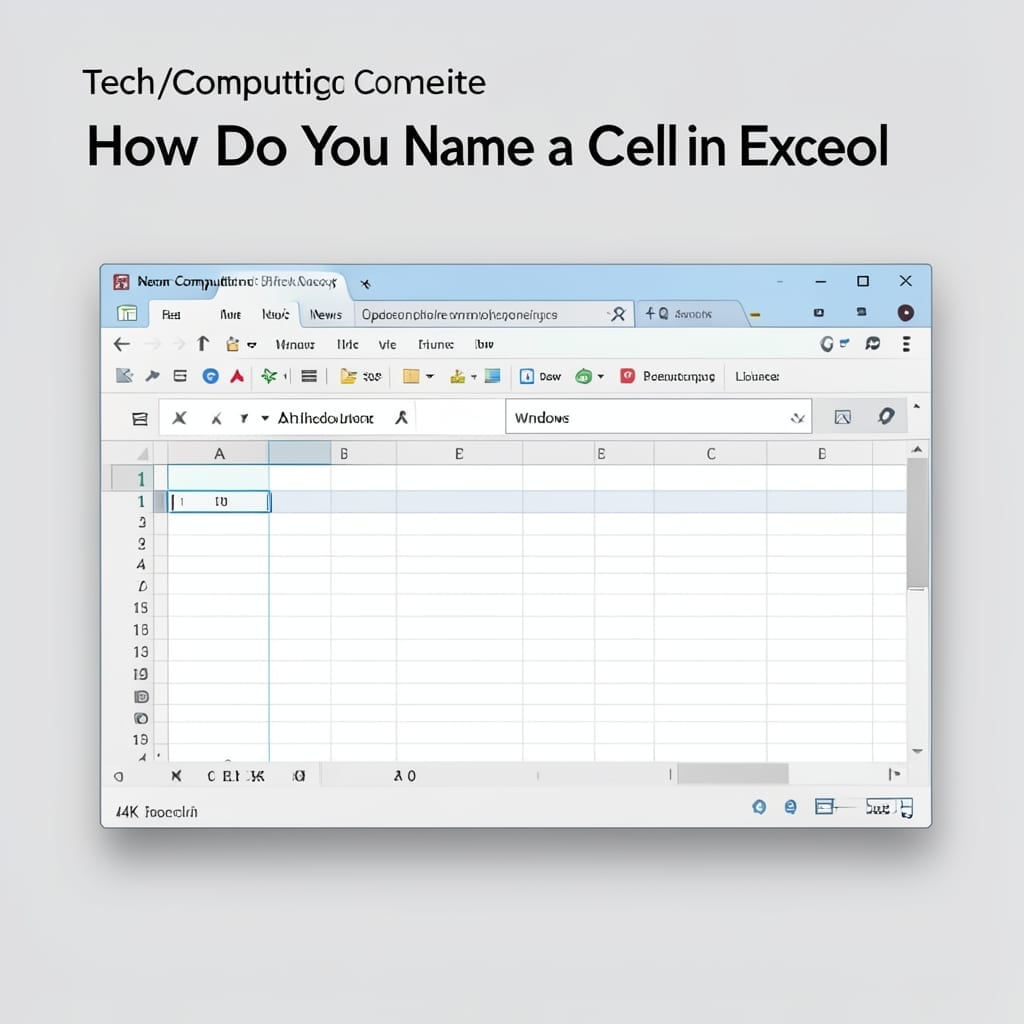
How Do You Name a Cell in Excel: Step-by-Step Range Naming Guide

How Do You Name a Cell in Excel: Step-by-Step Range Naming Guide

I still remember my first Excel spreadsheet back in uncle’s basement—rows of numbers with no idea what they meant. Naming cells changed everything by turning cryptic references into plain English. This isn’t about making things look pretty. It’s about making formulas self-documenting so anyone (including future you) understands the logic instantly. No more guessing if … Read more

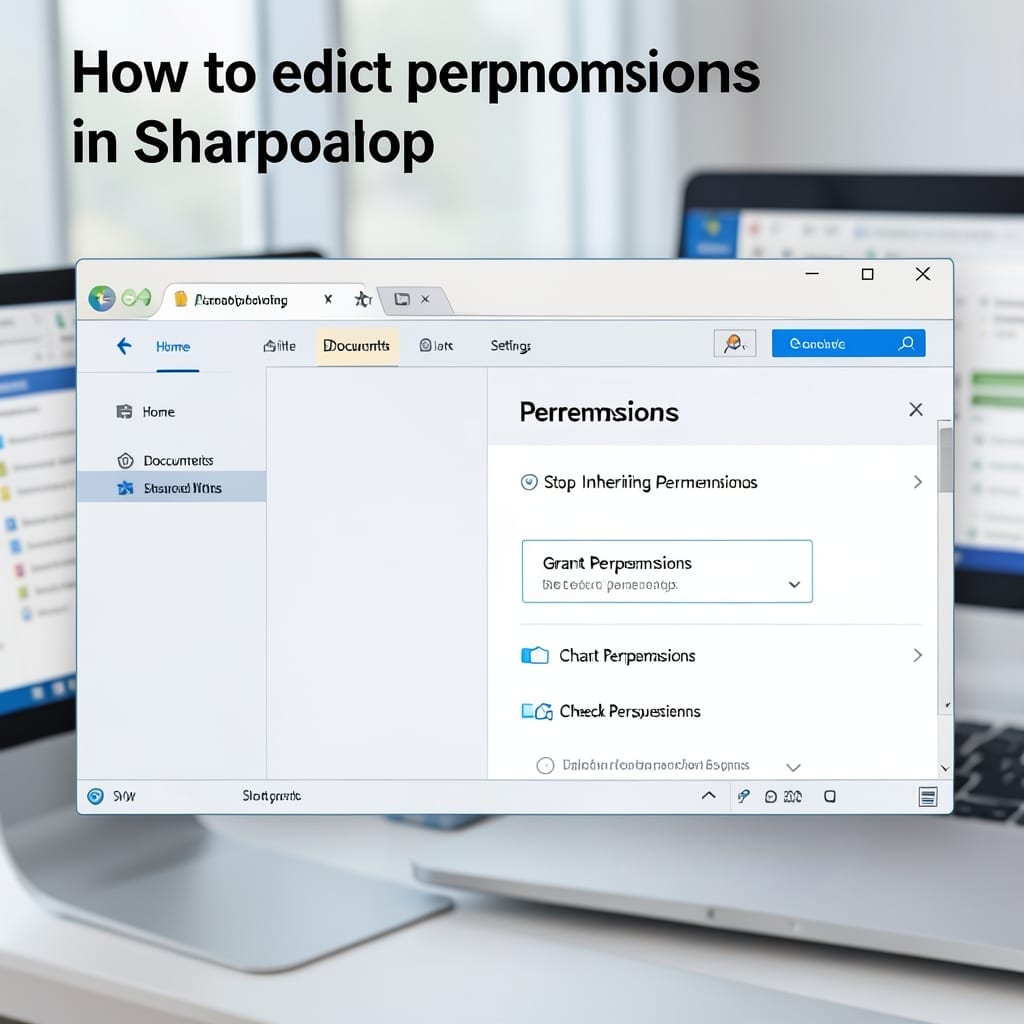
How to Edit Permissions in SharePoint: Step by Step Access Control Guide

How to Edit Permissions in SharePoint: Step by Step Access Control Guide

SharePoint permissions tripped me up for weeks when I first started managing team sites. One wrong click and suddenly half the department couldn’t access critical files. Here’s the thing—most permission issues stem from misunderstanding inheritance. Break it at the wrong level and you create a maintenance nightmare. I’ve seen admins spend hours tracing why a … Read more

How To Make Video Play Automatically In Powerpoint: Seamless Presentation Setup

How To Make Video Play Automatically In Powerpoint: Seamless Presentation Setup

I’ve seen too many presentations derailed by awkward video starts. Getting clips to play automatically in PowerPoint is simpler than most think—just three clicks in the right sequence. The trick lives in the Playback tab after inserting your video. You’ll find the “Start” dropdown that most users overlook. Set it to “Automatically,” and your clip … Read more

How to Get Data From Picture in Excel: OCR Extraction for Spreadsheets

How to Get Data From Picture in Excel: OCR Extraction for Spreadsheets

I spent years manually typing receipt data into spreadsheets until I discovered Excel’s hidden OCR trick. One click turns any photo of a table into editable cells, and it’s shockingly accurate for printed text. This isn’t some third-party workaround—it’s built into Excel for mobile and newer desktop versions. The feature scans your image, recognizes the … Read more