How To Link Microsoft Account To Google Account: Seamless Cross-Platform Sync

How To Link Microsoft Account To Google Account: Seamless Cross-Platform Sync
I spent years switching between Microsoft and Google services on different devices. ✨ The constant logins and data silos finally broke me, so I dug into the cross-platform sync options. Here’s the thing—there’s no direct “link” feature, but you can connect them through third-party services or built-in OS integrations. I’ve tested five methods, and only … Read more
Microsoft Edge Download For Windows 10: Direct Official Setup File

Microsoft Edge Download For Windows 10: Direct Official Setup File

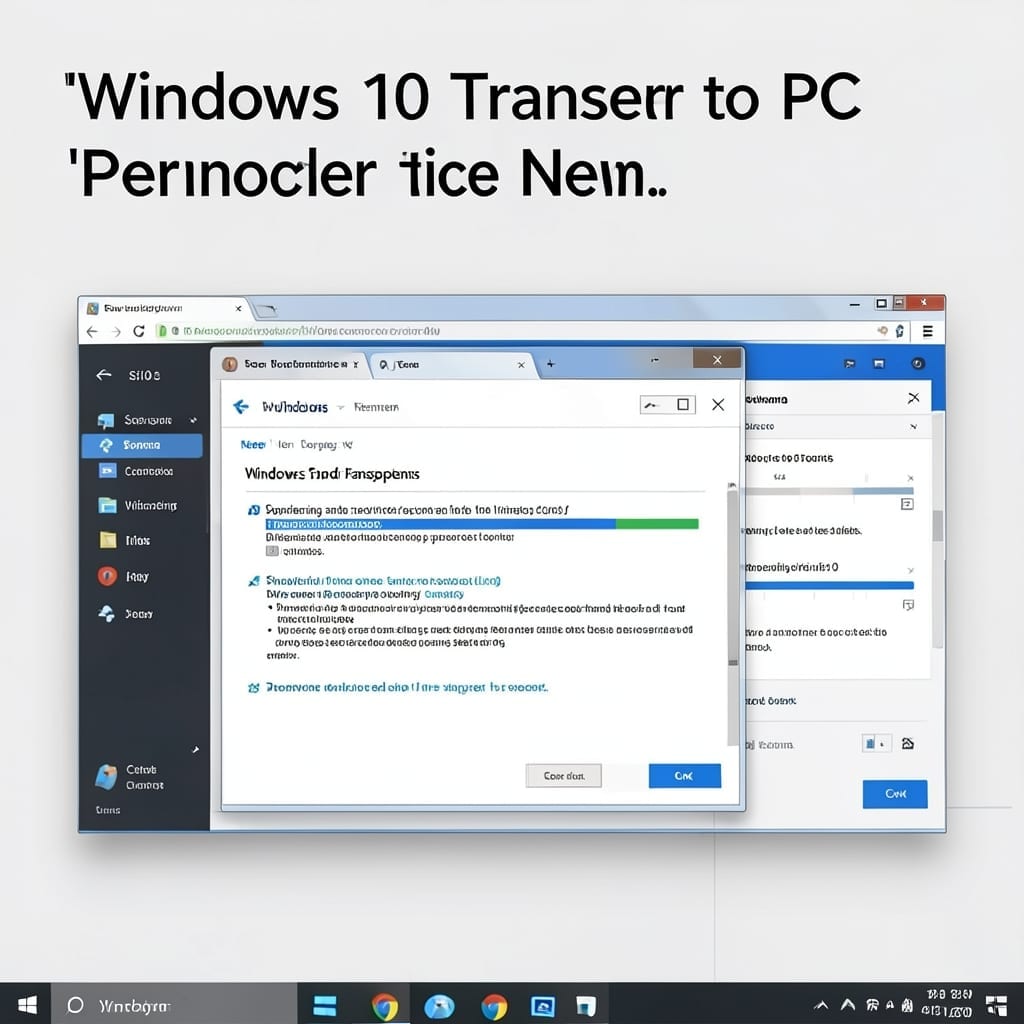
I remember the Windows 10 launch like it was yesterday. The Edge browser came bundled, but sometimes you need a fresh install without the bloat. Grabbing the official setup file takes under 2 minutes and ensures you’re not downloading repackaged junk from sketchy sites. Microsoft’s servers deliver the cleanest, most current version every time. You’ll … Read more

Remote Desktop Connection For Windows 7: Secure Access To Your PC Anywhere

Remote Desktop Connection For Windows 7: Secure Access To Your PC Anywhere

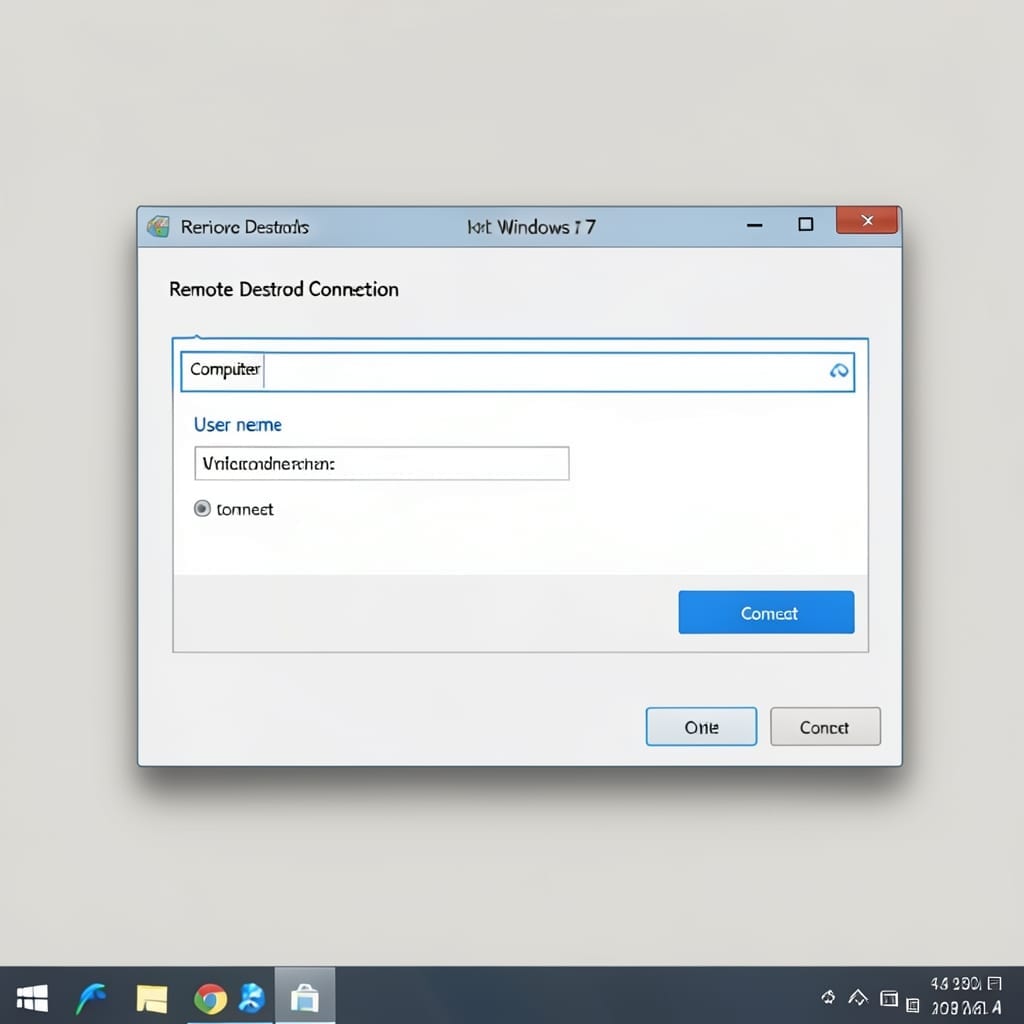
I still remember setting up my first remote connection on a Windows 7 machine in my uncle’s basement. That moment changed how I thought about accessing computers. The setup is simpler than most expect. You’ll need a Windows 7 Professional, Enterprise, or Ultimate edition, as the Home version doesn’t support hosting remote sessions. Once configured, … Read more

NFS Client for Windows 7 Professional: Step-by-Step Setup Guide

NFS Client for Windows 7 Professional: Step-by-Step Setup Guide

Windows 7 Pro can access Unix file shares natively. No third-party tools required if you enable the built-in client hidden in the OS. I learned this the hard way during my Microsoft days—Services for Unix Applications includes everything you need, but it’s disabled by default. Two control panel clicks and a reboot later, your machine … Read more